
Product Update
Name your agents, your way
Two of the most-requested naming changes are now live. Creators can rename an agent that's already published — no taking it offline. And anyone who's added an agent to their crew can give it a name that fits how they use it.
For creators
Rename a live agent — no unpublishing needed
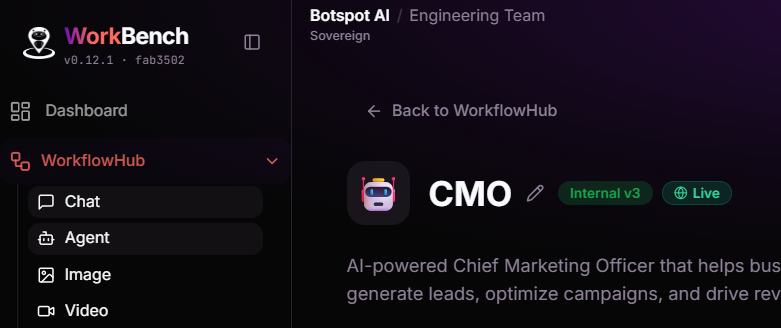
Picked a name in a hurry and want to change it? You no longer have to pull your agent down to fix it. Edit the name and description straight from the agent's page in Workbench, even while it's published and being used.
The change is instant and safe: everyone who already uses your agent keeps working without interruption, and their access is never affected. We also check that the new name doesn't clash with another of your agents before saving.
- Open the agent in Workbench.
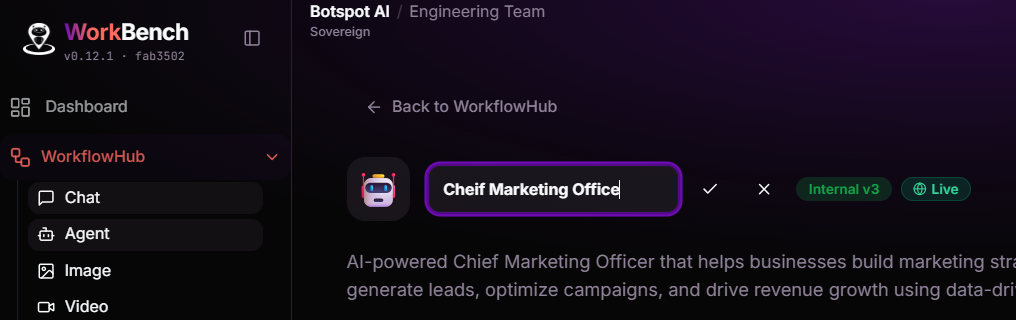
- Click the pencil next to its name (or its description).
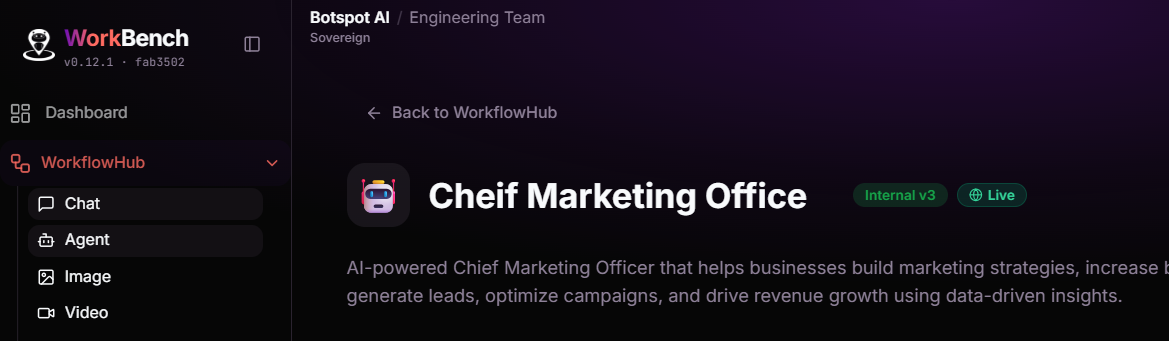
- Type the new name and press Enter. Done — it updates everywhere your agent appears.
For everyone using agents
Make any agent yours with a personal name
Added an agent to your crew but wish it had a name that made sense to you? Now you can rename it to whatever you like — “Monday Reports”, “Priya's Assistant”, “Invoice Bot” — right from My AI.
Your name is private to you. It doesn't change what the creator called it or what anyone else sees. We keep the original name for reference, show it on the agent's Overview, and you can reset back to it anytime with one click. Two of your own agents can't share the same name, so your crew stays easy to scan.
What's new at a glance
- Creators can rename a published agent — and its description — without unpublishing.
- Anyone can give an agent in their crew a personal name, private to them.
- The creator's original name is preserved, shown for reference, and one click to restore.
- Renaming never affects anyone's access, and your names can't collide with each other.
Rolling out now across Workbench and My AI. No action needed — the rename controls appear automatically. Questions from the team? Reach out in the product channel.
Release notes
- NewRename a published agent from Workbench — edit its name and description in place, with no need to unpublish or take it offline.
- NewPersonal agent names in My AI — rename any agent in your crew to whatever suits you. The name is private to you and never changes what others see.
- NewThe creator's original name is kept for reference on the agent's Overview tab, and one click resets your custom name back to it.
- ImprovedName collisions are checked before saving — two of your own agents can't end up sharing a name, so your crew stays easy to scan.
- ImprovedRenaming is instant and never interrupts anyone mid-use or affects who has access.